
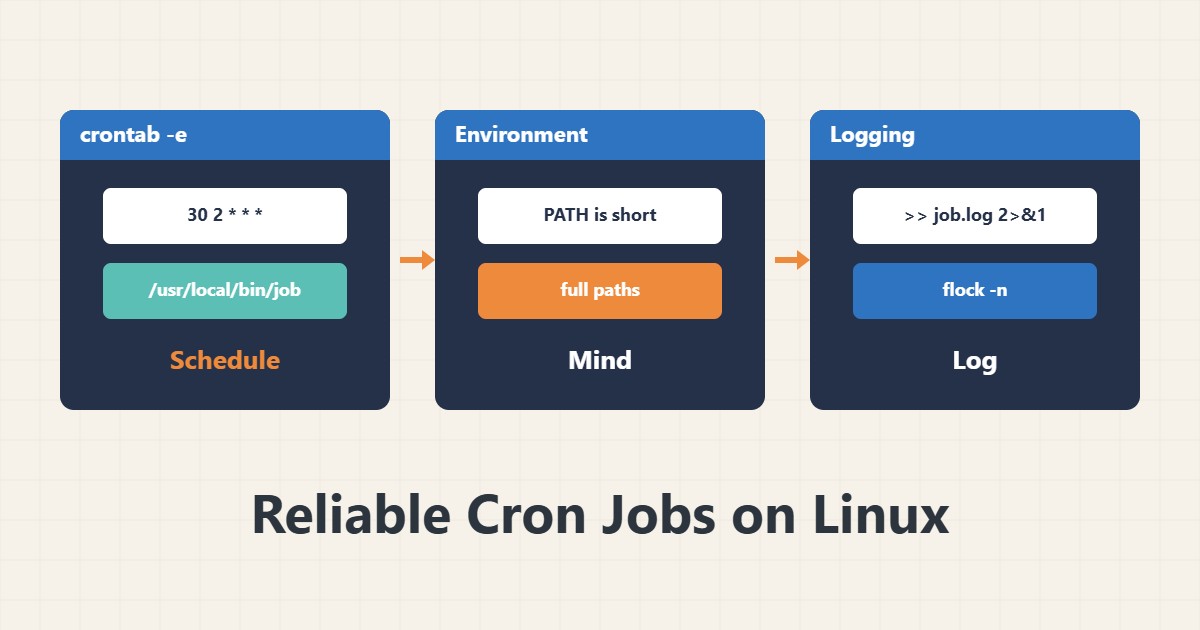
Most cron jobs that “do not run” actually run and fail quietly. The cron environment differs from your shell, and without a log you cannot tell what happened. This guide lists a few simple habits that prevent those surprises.
1. The five-field syntax
Edit the user crontab with crontab -e and review it with crontab -l. The five fields are minute, hour, day of month, month and day of week:
30 2 * * * /usr/local/bin/backup.sh
*/15 * * * * /usr/local/bin/check.sh
The first line runs every night at 02:30 and the second every 15 minutes. Cron uses the system time zone, so confirm the server’s time zone first.
2. The minimal cron environment
Cron does not read your shell profile and PATH is usually just /usr/bin and /bin. Write full paths to programs and, if needed, set PATH=... at the top of the file. The % character has a special meaning in a crontab and must be written \%, for example inside a date command.
3. Log the output
30 2 * * * /usr/local/bin/backup.sh >> /var/log/backup.log 2>&1Without redirection the output goes to the user’s local mail, which usually nobody reads. Cron’s own runs appear in the system log; see journalctl for how to read it.
4. Prevent overlapping runs
*/5 * * * * flock -n /var/lock/sync.lock /usr/local/bin/sync.shIf the previous run has not finished, flock with -n skips the new one so jobs do not pile up.
5. When to use systemd instead
For jobs that need dependencies, logging or better recovery, a systemd unit fits better; for simple jobs cron is still enough and common.
6. Illustrative example, not a measurement
Suppose a script works in a terminal but not from cron. The culprit was a short PATH that could not find mysqldump. After writing the full path and logging output to a file, the error showed up the same night. This scenario is an invented illustration, not a measurement.
7. Common mistakes
- Using a command without its full path.
- Having no log of output and errors.
- Writing % without escaping it.
- Running several copies of a long job at once.
8. Frequently asked questions
Do files in /etc/cron.d differ from a user crontab? Yes; in /etc/cron.d you must add the user name after the schedule.
How do I know cron ran my job? Search the system log for CRON and the script name.
Why did the schedule shift by an hour? Look at the server time zone and daylight saving changes.
9. Quick checklist
- Server time zone is known.
- Commands use full paths.
- Output and errors go to a log file.
- Long jobs are locked with flock.
- A manual run in a plain environment was tested.
If you need help reviewing performance or maintaining a server, see the server management services.
More server and WordPress guides are collected in the article archive.